Timestral’s 32,768-Step Context: What Long-History Forecasting Changes
 Timestral Team
Long context helps when a series has slow cycles or long-range dependencies. Here is when to use the full history, when to cap it, and how to test whether the extra context earns its keep.
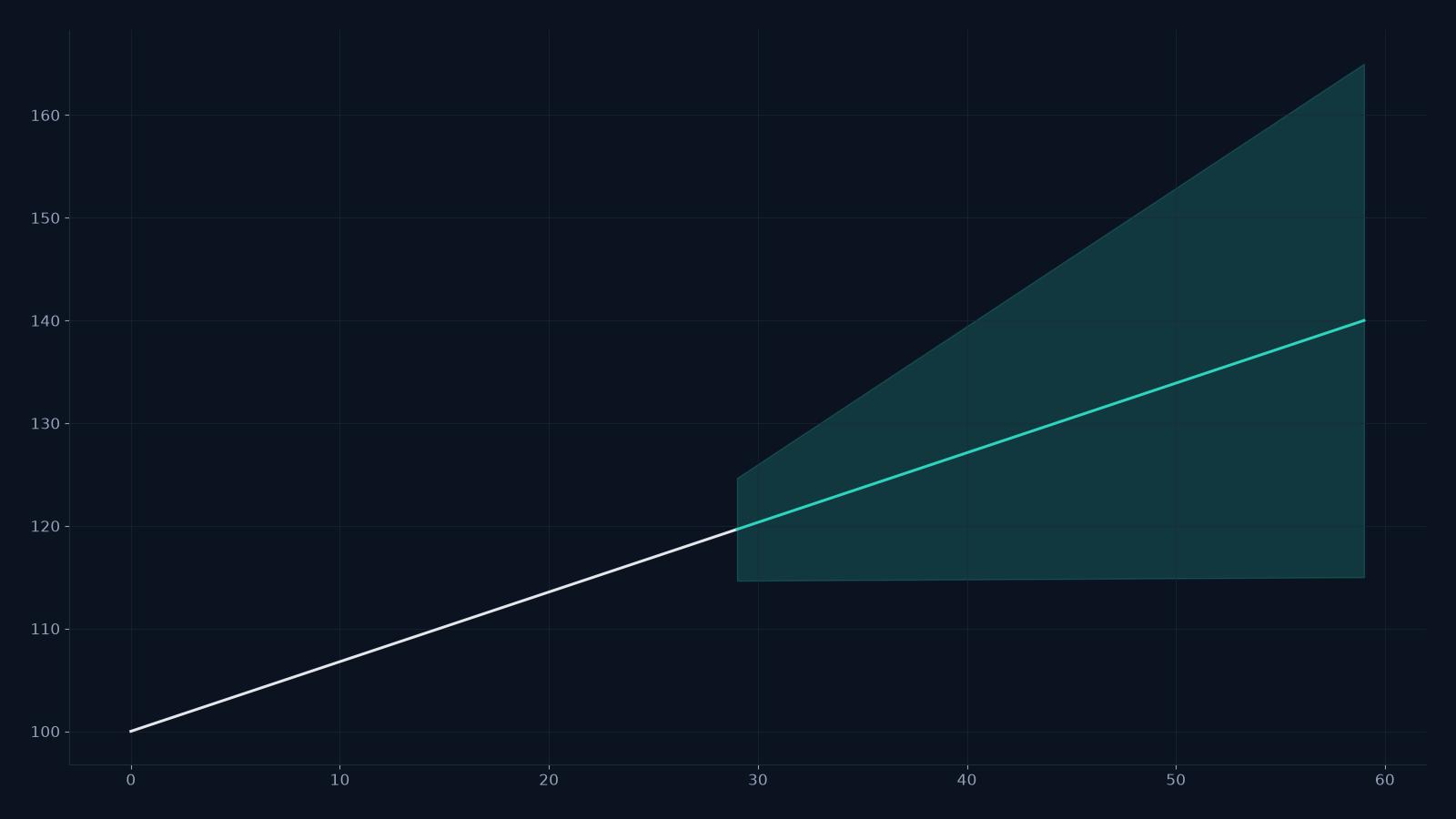
Timestral supports up to 32,768 time steps of context. That is a lot of history: several years of hourly data, or decades of monthly data. Long context can capture slow cycles and long-range dependencies that a short window misses.
It can also hurt. More history means more compute, more noise and a higher chance of including a regime that no longer applies. This guide explains how to decide.
CSV forecast studio
Paste a series, get a probabilistic forecast.
One value per row, or a date column plus one or more numeric columns. Timestral returns a median forecast and a likely range. The demo runs on the public Hugging Face Space; the API is the paid product.
What long context buys you
- Slow seasonality. Annual cycles in hourly data need a long window to see more than one cycle.
- Long-range dependencies. A promotion six months ago may still affect the baseline.
- Regime detection. A long history makes it easier to see a level shift in context.
- Stable estimates. More data can reduce variance in the learned pattern.
What it costs
- Compute. Attention grows with context length; longer histories are slower.
- Noise. A distant regime may be irrelevant or misleading.
- Staleness. The world changes; old data may teach the wrong lesson.
- Memory. Long inputs consume more memory per request.
When to cap the history
Cap the context when:
- The series has a structural break and the old regime is irrelevant.
- The data quality is poor in older periods.
- The series is short-cycle and the recent window is enough.
- Latency or cost is tight.
The studio exposes a “show only the last N history points” setting in the Space; the API can accept a capped window too. Test a few caps (for example, 256, 1,024 and full history) on a backtest and choose the smallest window that preserves accuracy.
A backtest for context length
- Pick 20 series with different histories.
- Run the forecast with 256, 1,024 and 8,192 steps of context.
- Score the median and the interval coverage.
- Measure latency for each.
- Choose the shortest context that is within your accuracy tolerance.
If the full history does not improve the forecast, do not pay for it.
Long context and multivariate series
The 32,768-step cap applies to the time dimension, not the number of columns. A multivariate request with 8 series and a long history is still a long-context request; the compute scales with both.
If you need many series and a long history, consider forecasting in batches or using the smaller model.
The practical rule
Start with the last few seasonal cycles (for example, 2–3 years of monthly data or 2–3 weeks of hourly data). Add history only if the backtest improves. The model can use 32,768 steps; that does not mean every series needs them.
What to read next
- What is Timestral? — the model family.
- Timestral on CPU — latency and sizing.
- How to evaluate forecasts — the backtest design.
- API pricing — one credit per forecast call.
FAQ
Does a longer context always improve accuracy?
No. It can help with slow cycles, and hurt when the older data is stale or noisy. Backtest it.
What is the maximum context?
32,768 time steps. The model’s horizon is separate; the studio UI caps the horizon at 36 steps for speed, and the API supports up to 1,024.
Can I use the full history for every request?
Yes, but it costs more compute. Cap the history unless the backtest shows a benefit.